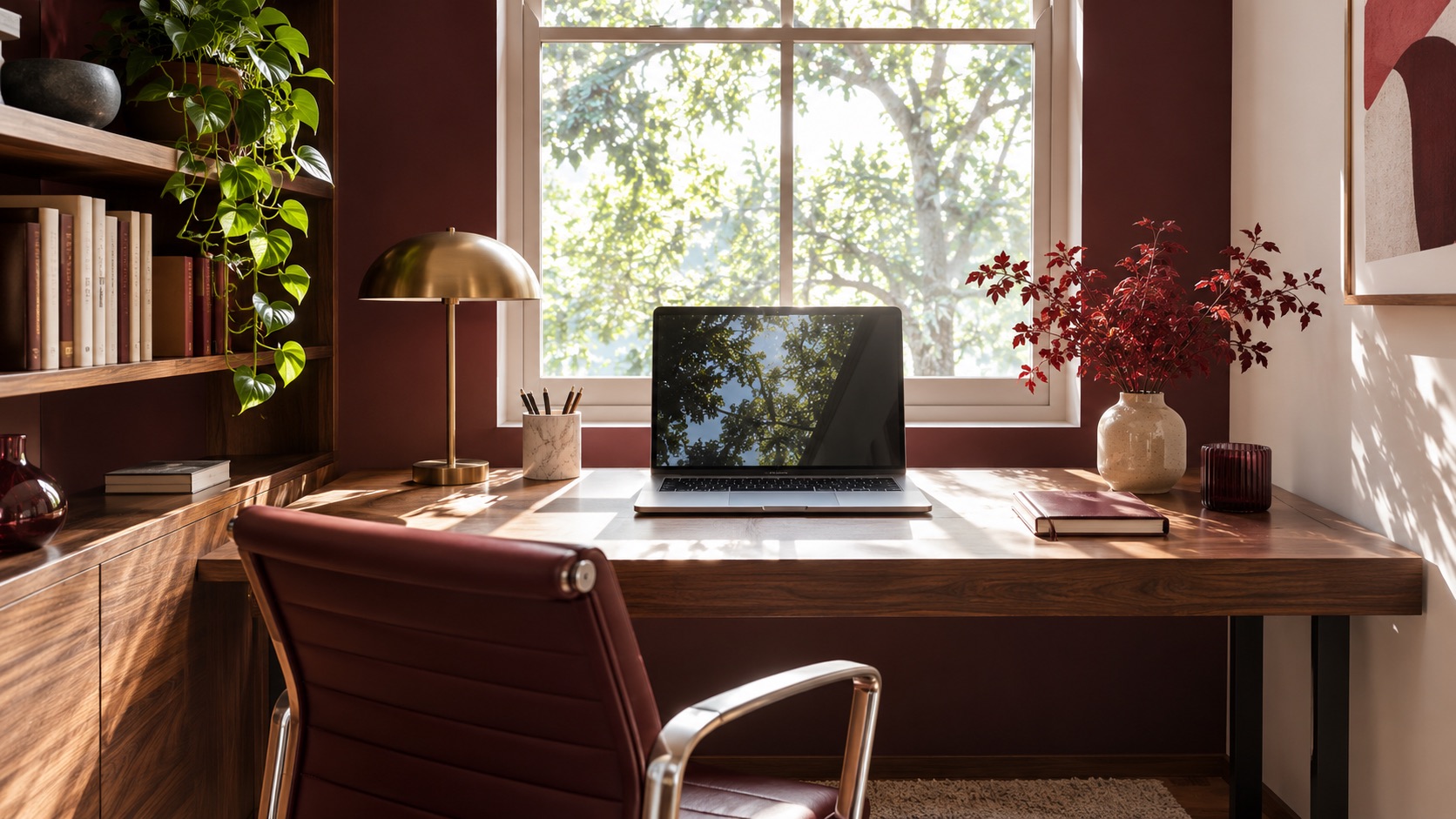
Why does the screen become hard to see by the window?
If the monitor sits against a bright window, the window can become a much brighter background than the display. If a window or lamp is behind the worker, light can reflect from the screen instead. Either arrangement may make a home office uncomfortable to use. Start by checking the screen from the seated position at the hours you work, then change the desk angle, control direct light and add a separate task lamp.
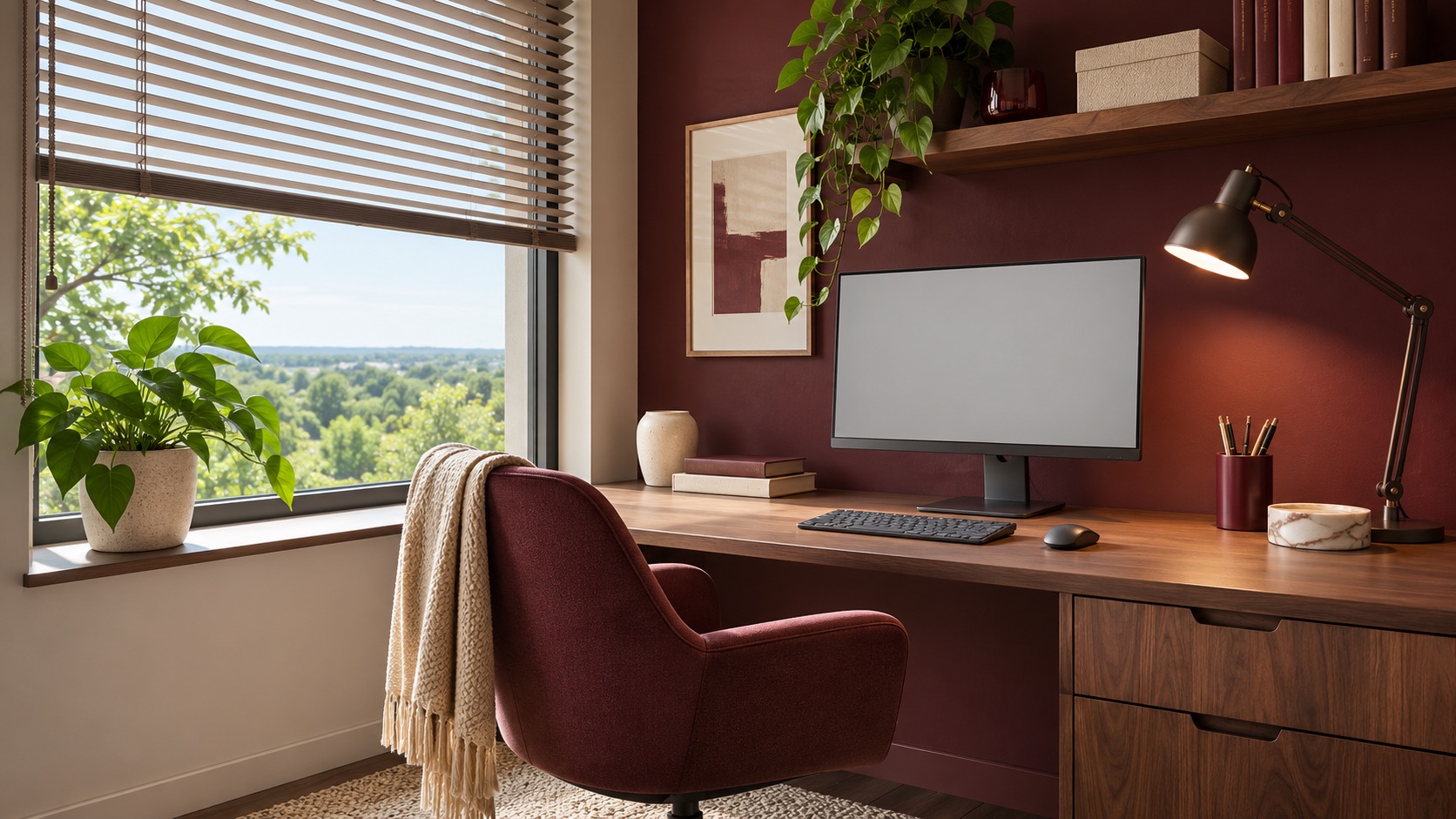
The opening render is an illustrative unbuilt concept of a desk against a bright window, not a documented workspace or proof of a health outcome. The U.S. Occupational Safety and Health Administration advises arranging workstations to reduce glare from windows and lights and notes that excessive contrast can make screen viewing difficult.
Turn the monitor sideways to the window
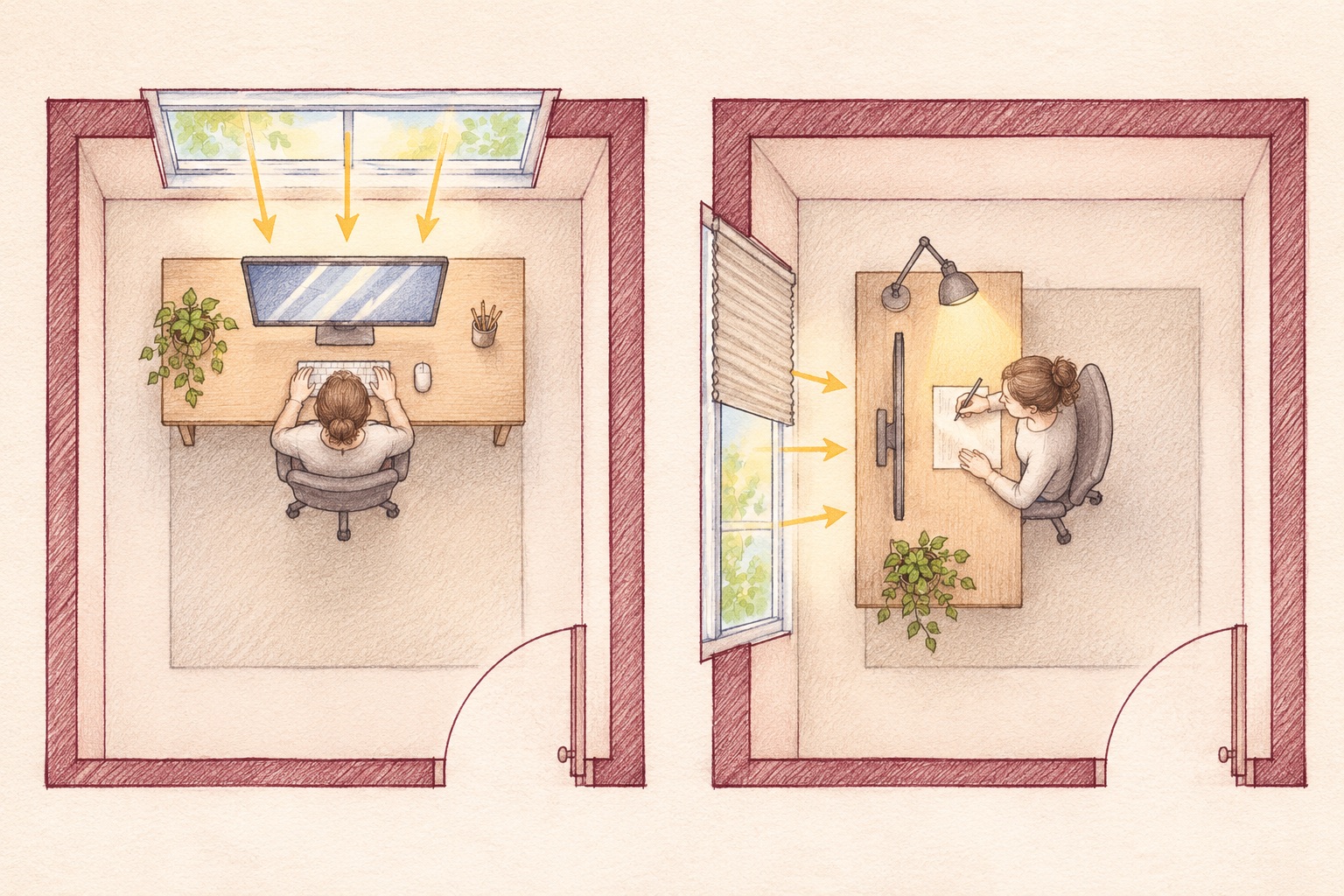
Sketch the room with its window, door, desk and chair, then test a position where the screen faces across the room and the window sits to one side. You do not need to permanently move the desk first: mark the proposed footprint with tape or move a small table for a day. Check whether the chair can still move freely and whether anyone using the room can pass behind it.
The side-by-side plan below compares two unmeasured layouts of an illustrative room. The left scheme puts the bright window beyond the display; the right turns the desk so daylight enters from the side. The drawing is a concept, not a measured or code-compliant plan. OSHA's workstation guidance recommends placing the screen at right angles to a window and checking both light behind the screen and reflected light on its face.
The first move is often to turn the desk, not to shut out the daylight.
Use the shade to soften light, not erase it
A shade or blind can lower direct sun and bright patches without making the whole room dark. Look at when sunlight actually strikes the desk: morning and afternoon may need different settings. If the room has a useful view, choose a layer that can be adjusted by the person using it rather than a fixed opaque covering. Matte desk and wall finishes may also keep extra reflections out of the field of view.
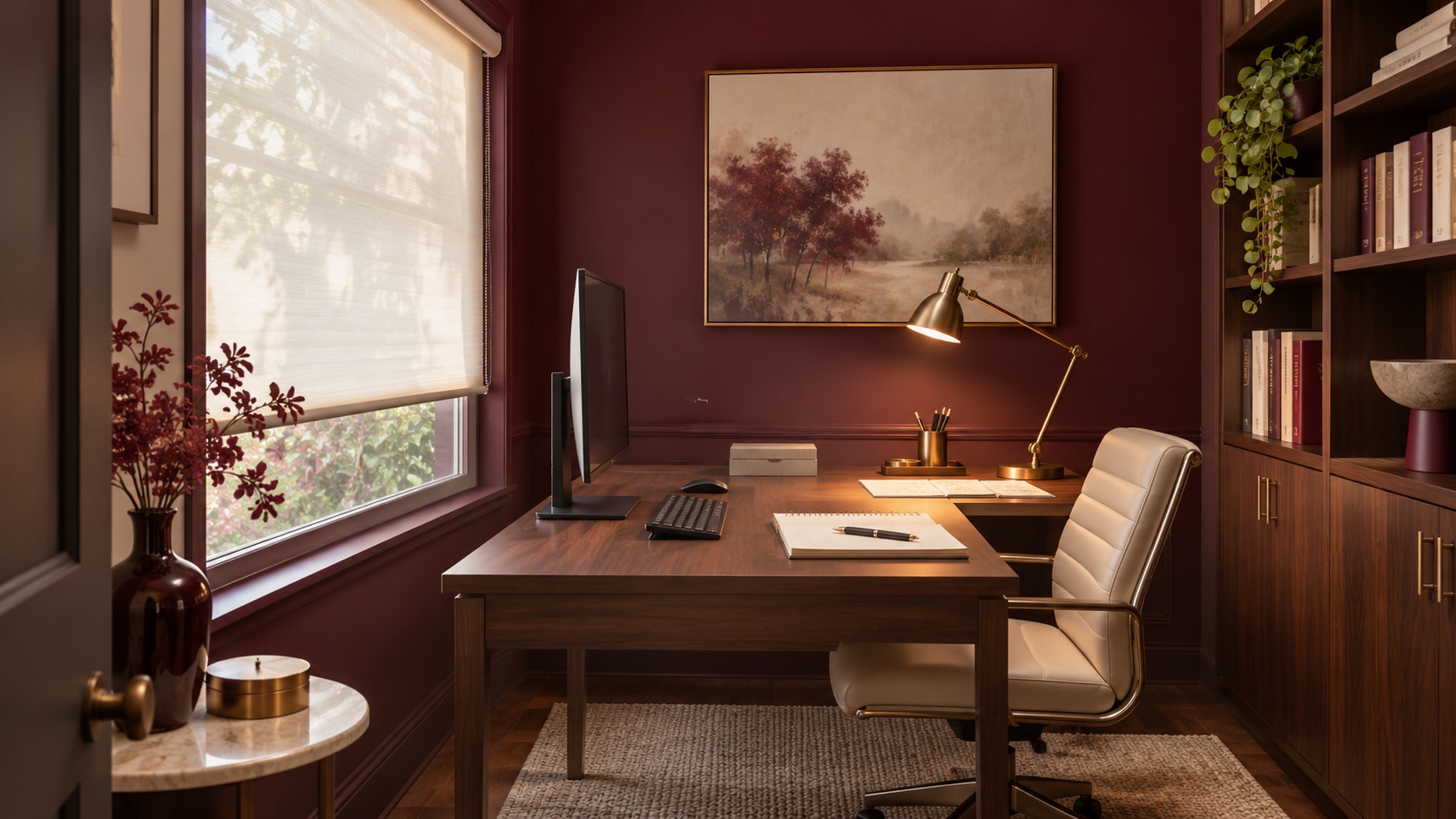
The response render shows a different illustrative home office with the desk turned, a translucent shade and a lamp for papers. It is not an after photograph of the opening room. The U.S. Department of Energy describes daylighting as a balance between admitting natural light and controlling glare and heat; the right treatment depends on the actual window and climate.
Light the paper without lighting the screen
A small task lamp should illuminate the notebook or drawing, not the monitor. Try it on the opposite side from the brightest window and change its angle until neither the screen nor the nearby wall produces a distracting bright patch. Keep controls within reach so the worker can adapt the setting as daylight changes.
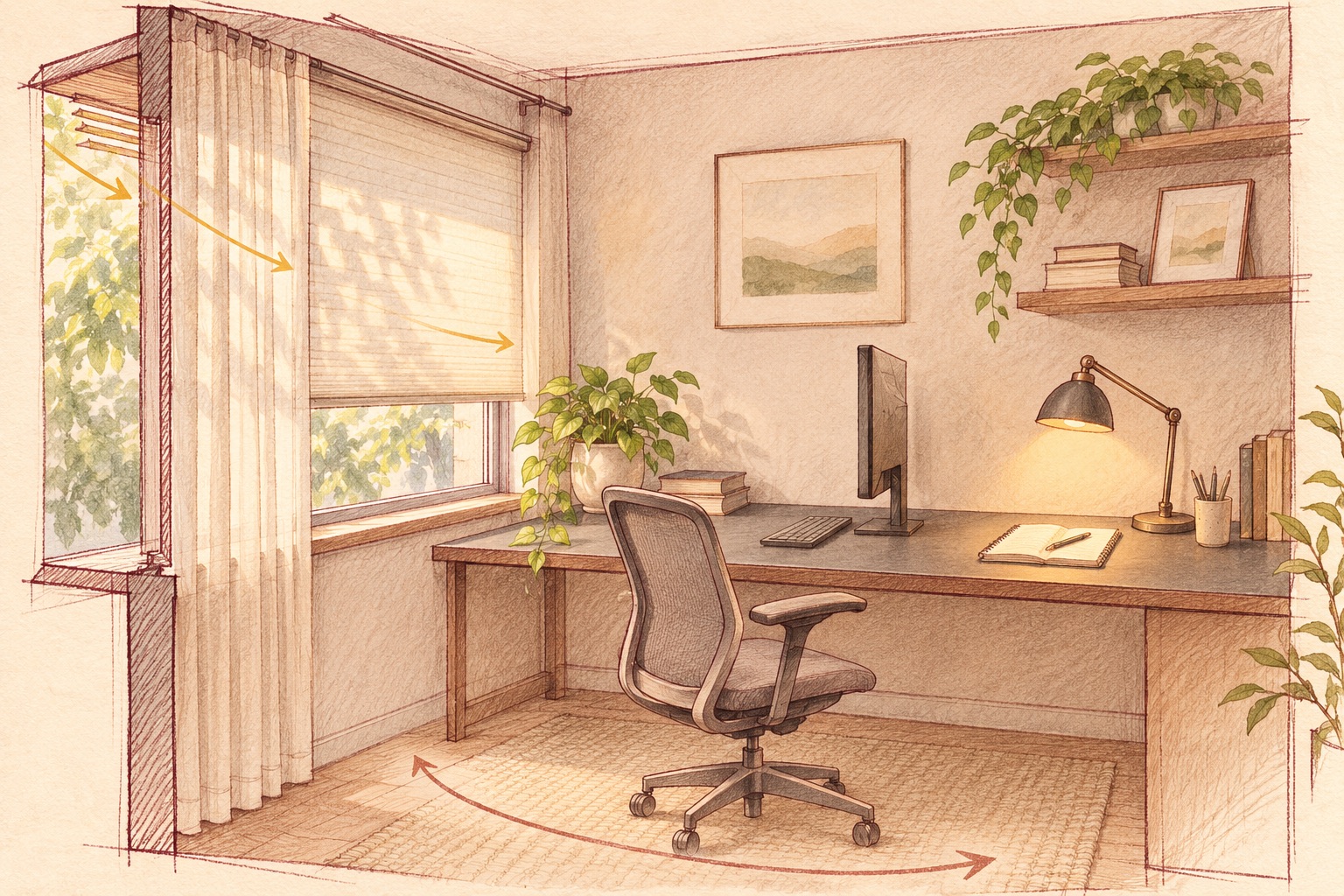
The architectural sketch below explores a shade, side window, monitor, matte worktop and directed lamp. It is an illustrative unmeasured concept, not an electrical or construction detail. If built-in lighting or new outlets are proposed, their placement and installation must be checked for the real room by the appropriate professional.
Test the whole workday before committing
Sit at the desk during the times you normally work, open a document with dark and light areas, and note when reflections or contrast appear. Test a few screen and shade positions, including a video call if that is part of the routine. Make sure the adjustment does not block the door, shorten chair clearance or remove daylight from everyone else in a shared room.
The final render is another illustrative unbuilt concept showing side daylight, a controllable blind and a calm work surface. It does not promise that one arrangement will suit every screen or window. Artimist Productions can compare desk positions, window treatments and lighting in a room plan and 3D interior views before furniture or joinery is ordered. Bring photos of the room at different times, the desk and monitor dimensions, and a short list of the tasks the space must support.
0 published responses